BananaNL Keyboard app icon

BananaNL Keyboard

Quiet utility for Android

Only the prompt you choose, ready for your AI app.

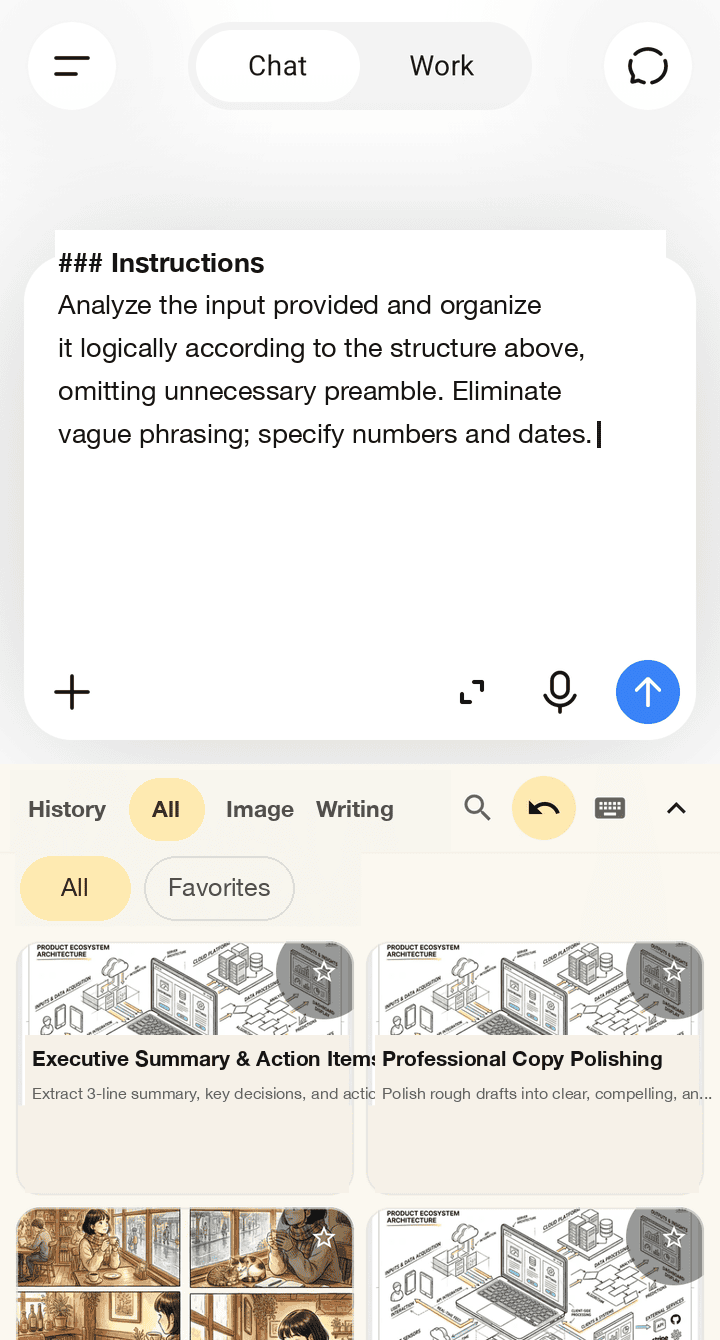
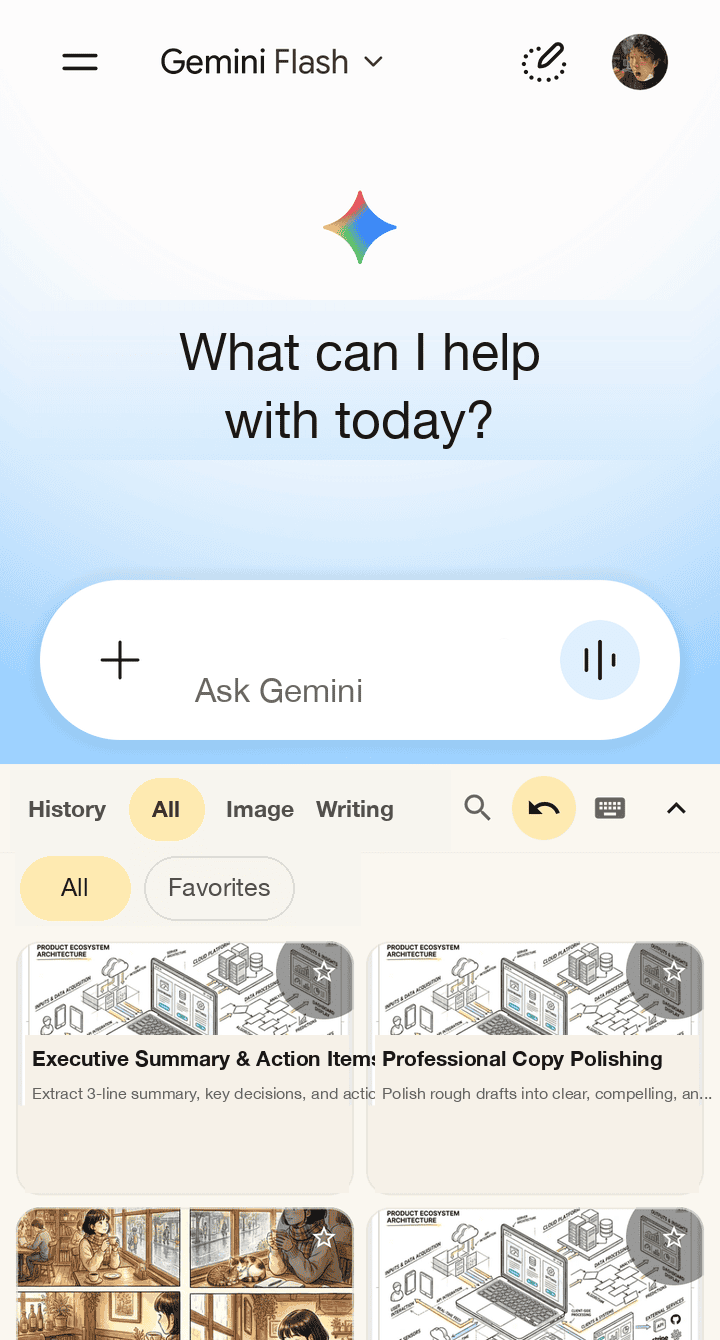
Prompt-only Android keyboard for AI apps. Pick an image-generation prompt, then insert only that selected prompt into the focused input field.

It does not read arbitrary text that you type in other apps, and it does not press send, submit, or generate buttons.

Set up the keyboard

  1. 01Enable the keyboardEnable BananaNL in the system keyboard list, then return here.
  2. 02Set up the keyboardSelect BananaNL from the input-method list. Showing the keyboard button makes switching later easier.
  3. 03Try an insertionShow the BananaNL keyboard, then tap this card.
  4. 04Undo inserted promptTap Undo insert shown in the BananaNL keyboard to undo only the prompt BananaNL just inserted.
  5. 05Return to your keyboardTap the keyboard switch icon in the upper-right corner of the BananaNL keyboard to return to your usual text keyboard.

Built for prompt selection

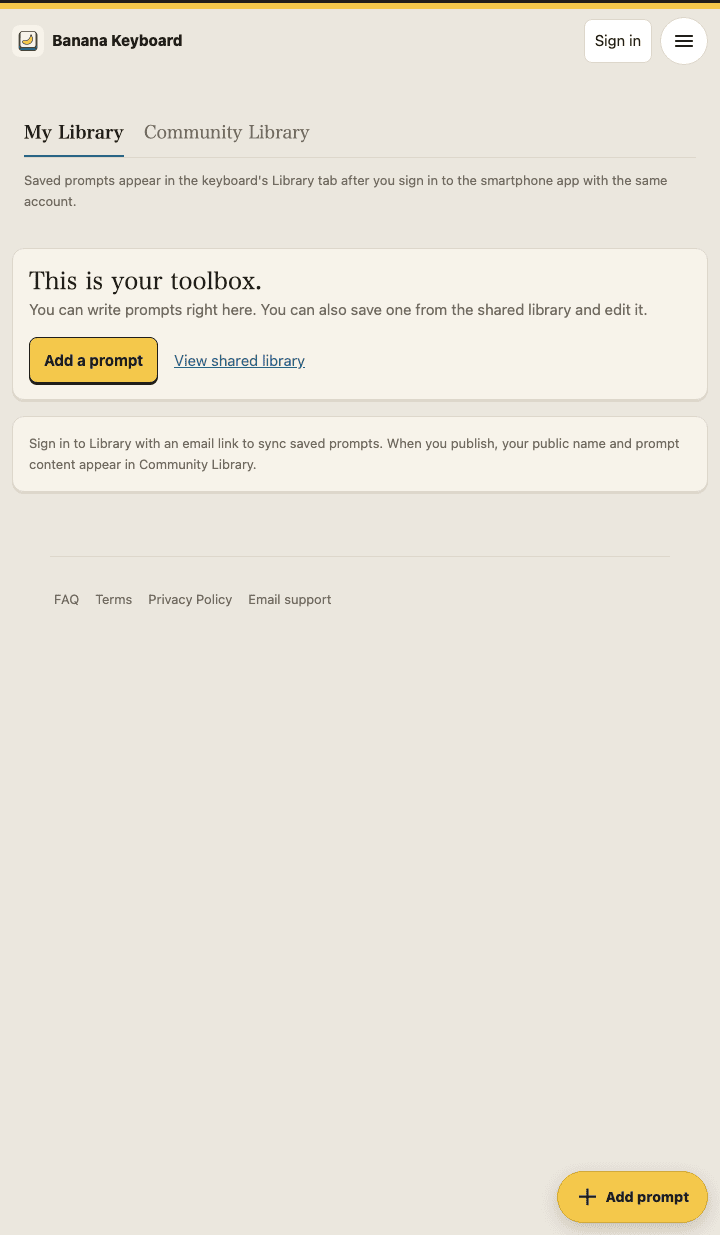
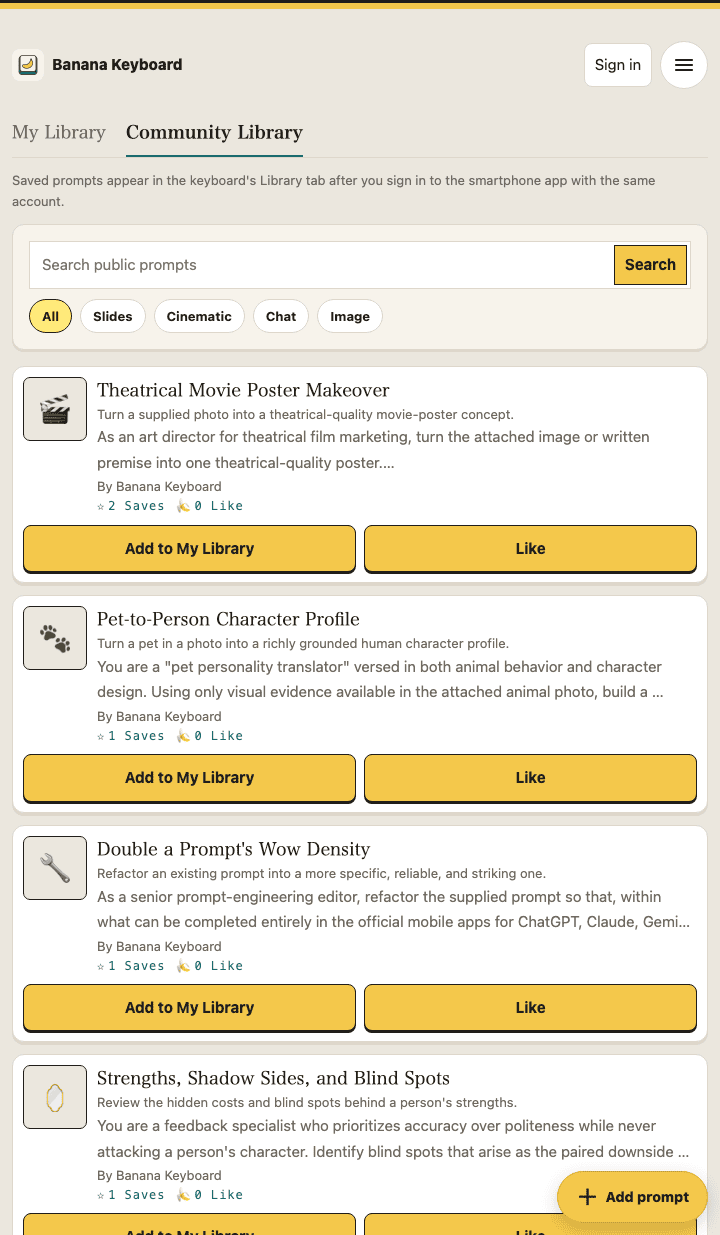
Prompt cards come from bundled or locally cached catalog content. Recent and favorite items stay on your device, and optional Library prompts become available from the local cache after sync.

Supported locales

App UI supports Japanese, English, Korean, and Traditional Chinese (Taiwan): ja / en / ko / zh-TW. Some catalog prompts fall back to Japanese.